
OnlineJourno · Clean the picture
Loupe.
Read the frame. Ship it clean.
A worktable for news photographs. Open a JPEG and Loupe reads its caption and credit, makes the corrections a picture desk allows and nothing more, then writes clean IPTC and XMP back into the file.
Your photo never leaves your machine. There is no upload.
or drop one anywhere on this page
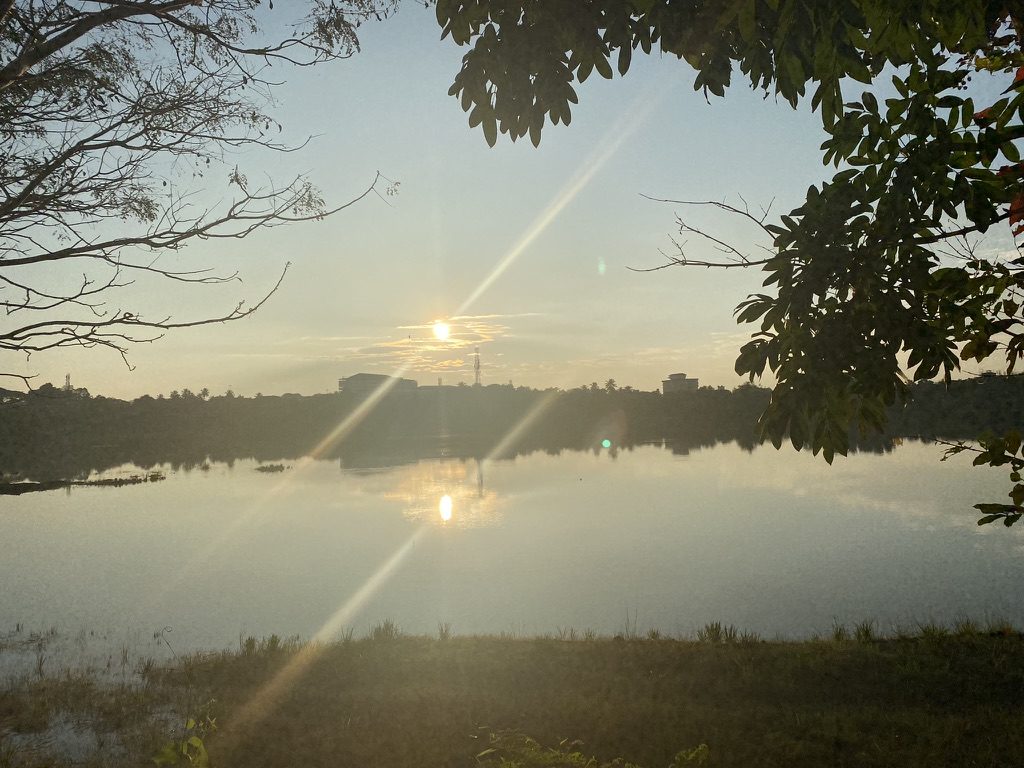
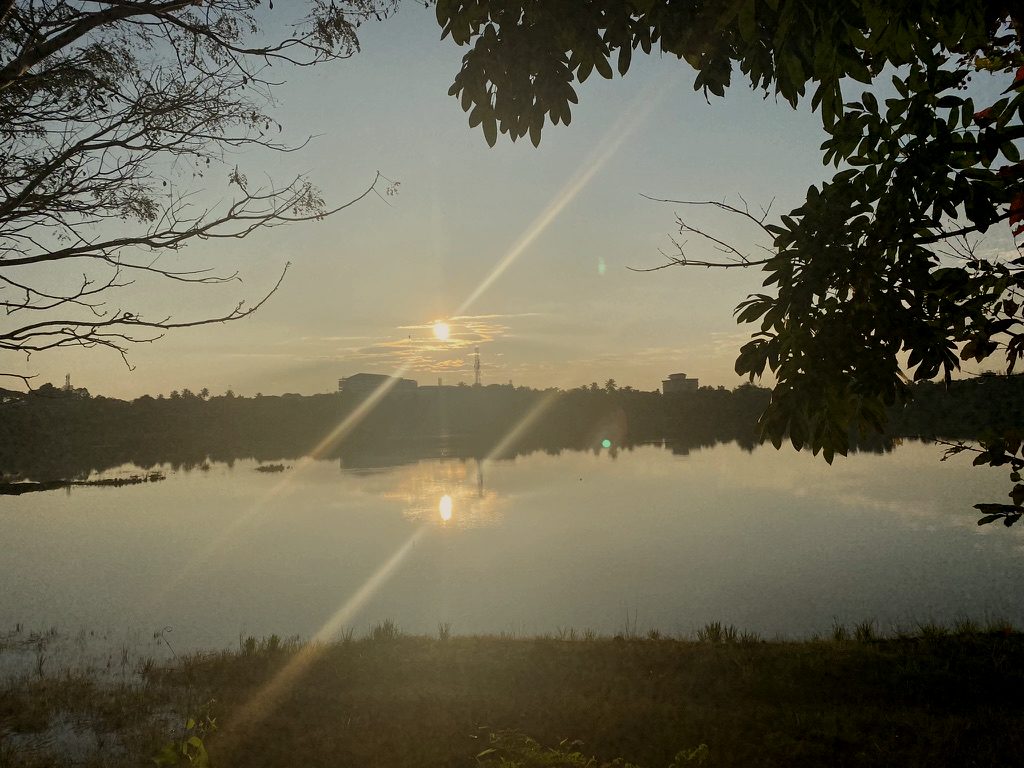
- Caption
- Sunset over Manipal lake, Karnataka.
- Credit
- Subhash Rai
- City
- Manipal
- Date
- 20221104
Four steps, one table
- 01
Read
Loupe reads what the file already carries: caption, credit, by-line, place, date and keywords. Drop a matching .txt file alongside and it becomes the caption.
- 02
Correct
Exposure, contrast, white balance, straighten, sharpen and crop. Tonal changes and crop only: nothing in the picture is added, removed or moved, and every change is logged.
- 03
Caption
Fill in or fix the IPTC fields a desk needs, with alt text and a machine-readable licence. Missing required fields are marked before you ship.
- 04
Ship
Save the frame with its EXIF kept and IPTC-IIM and XMP written. Loupe then reads the saved file back to check the caption and credit actually landed.
An integrity meter, not a filter
As you correct, a meter measures how far the frame has moved from what the camera recorded. It names what moved, such as clipped highlights, a colour shift or heavy sharpening. It advises; your judgement is final.
- Within rangeThe kind of correction a picture desk accepts.
- ReviewLook again before you file.
- Risks altering contentThe edit may change what the picture shows.
What goes into the file
The fields wire desks and picture libraries read, written in both the older IPTC-IIM layer and XMP. Where IIM’s byte limits would cut a credit or caption short, Loupe tells you before you file.
- Caption
- Headline
- By-line
- Credit
- Source
- City
- Country
- Date
- Copyright
- Keywords
- Alt text
- Licence
Free to use. Pro for volume.
Opening, correcting, captioning and saving are free and stay in your browser. Pro adds AI help with captions (it reads your words, never the photo), richer trend keywords, export to your DAM or CMS, and batch once the free period ends.
Free and Pro, side by side →Questions photographers ask
Does Loupe upload my photo?
No. The photo is opened, corrected, captioned and saved inside your browser. Its pixels, file name and metadata never reach our servers.
What edits does Loupe allow?
Exposure, contrast, temperature, tint, straighten, sharpen and crop: the tonal and framing corrections news ethics codes accept. It has no tools to add, remove or move anything in the picture.
Which files can it open?
JPEG. RAW files are not supported yet.
Which metadata does it write?
IPTC-IIM and XMP, the two layers wire desks, agencies and picture libraries read, with the camera’s EXIF data kept as it was.
Does the AI see my picture?
No. AI caption help, part of Pro, sends only the words you have typed, such as the subject, keywords and place. The image stays on your machine.
Is it free?
Yes. Opening, correcting, captioning and saving a frame are free. Batching a whole shoot is free until December 31, 2026, then part of Pro.